Build Your Own Branded Download Page Using AI
Posted on 週日 28 六月 2026 in Blog
You can use AI to rapidly create a custom branded download page by following the steps below. AI can analyze your brand style and generate files ready for import, so once you upload them, the system can instantly produce your branded page.
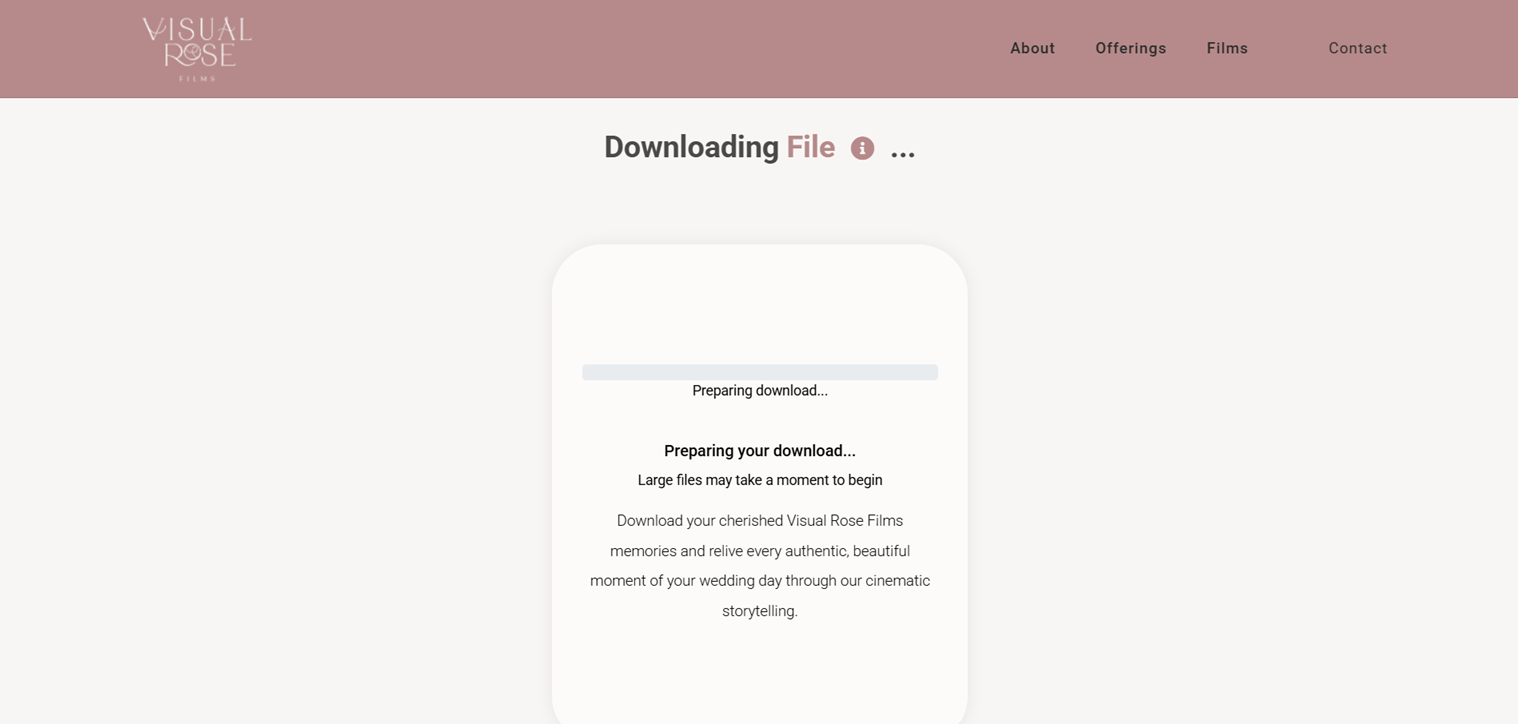
Step 1: Generate Brand Configuration
Enter your brand name after Brand name: and your official website after My website: in the prompt below. Then paste the completed prompt into your preferred AI tool (we recommend ChatGPT or Claude) and submit it.
Reminder: You can enable the AI tool’s advanced thinking features — for example, enable Thinking mode in ChatGPT, or set Effort to High and enable thinking mode in Claude.
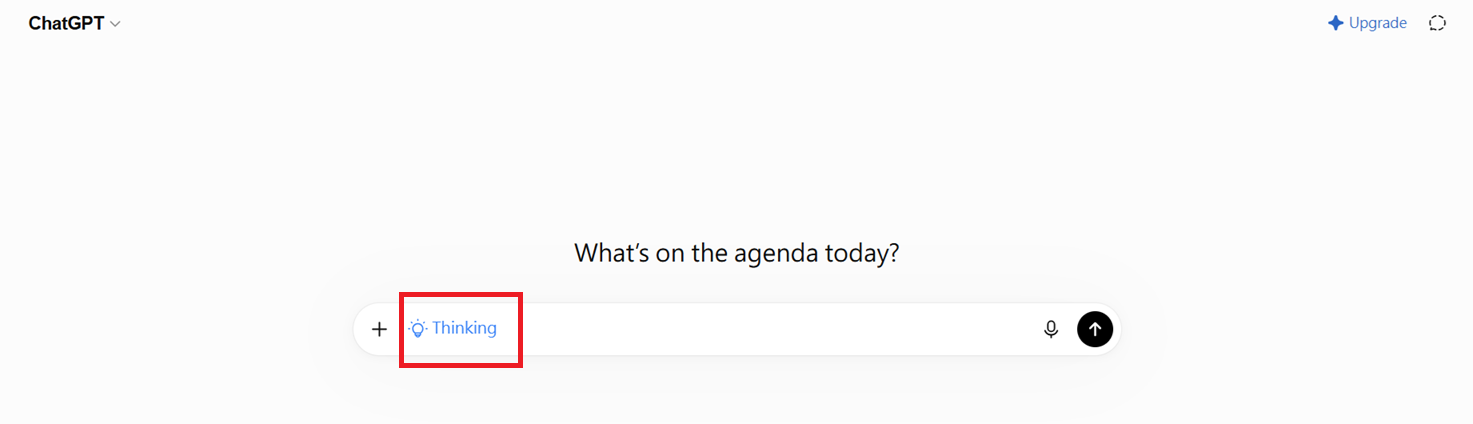
After you submit, an output file will be generated. Make sure to save it.
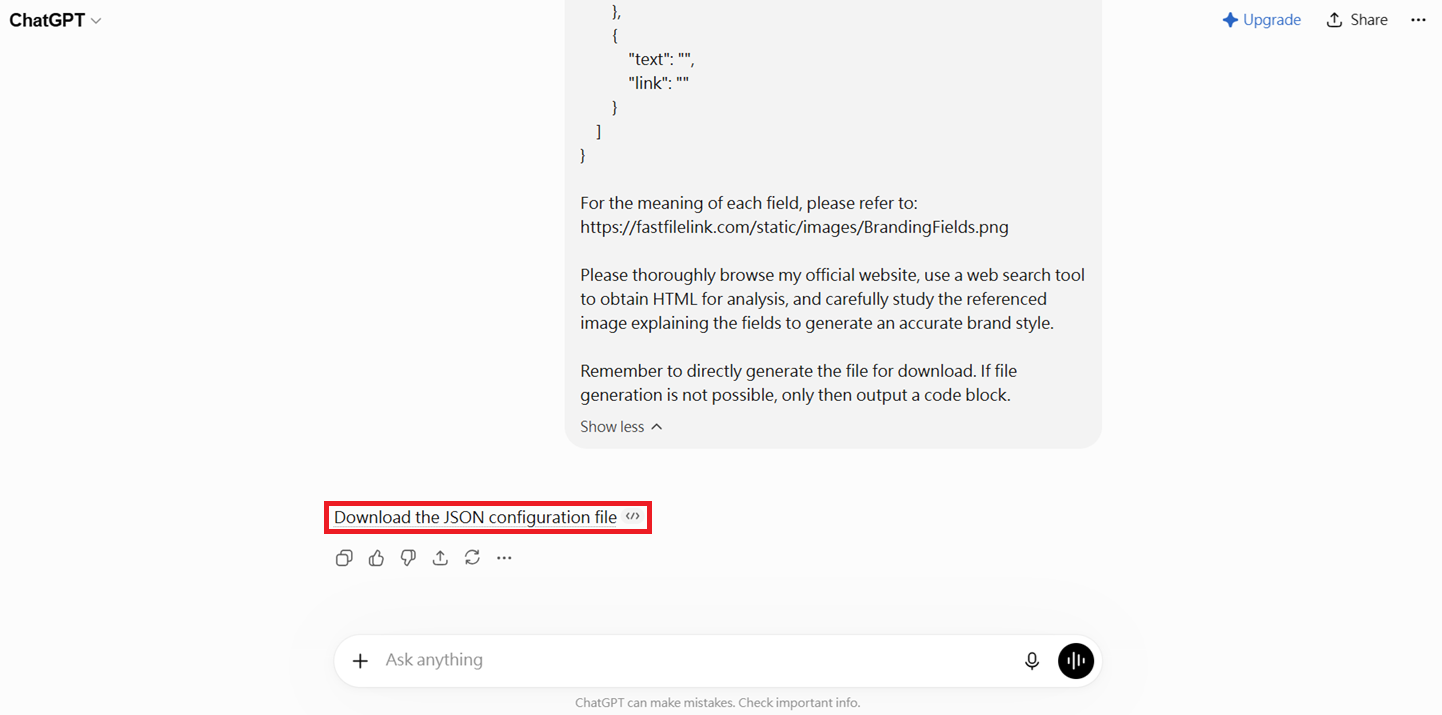
Step 2: Import Brand
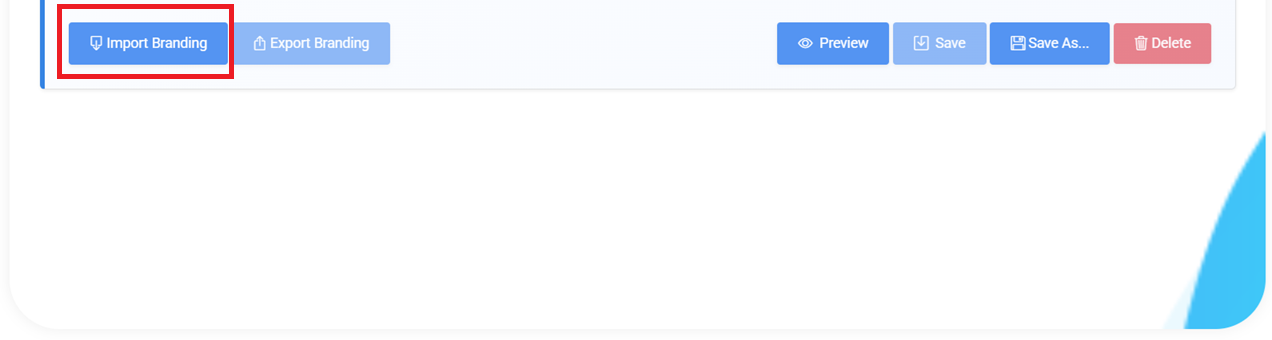
Click "Import Branding" and upload the file you just saved.
Step 3: Preview and Adjust
Use the preview feature to review the generated result. If you need adjustments, refer to Step-by-Step Tutorial: Creating a Branding Page for further customization guidance.