Tutorial
Posted on 週日 19 七月 2026 in Blog
Quick Navigation
1. Installation
Windows …
Continue reading
Posted on 週日 19 七月 2026 in Blog
Posted on 週日 05 七月 2026 in Blog
This article is a tutorial on how to purchase software and complete checkout.

You can find the Buy button on our homepage. Select the version you want and click 'Buy This Plan'.
After clicking, you will see your shopping cart. Once you …
Posted on 週日 28 六月 2026 in Blog
You can use AI to rapidly create a custom branded download page by following the steps below. AI can analyze your brand style and generate files ready for import, so once you upload them, the system can instantly produce your branded page.
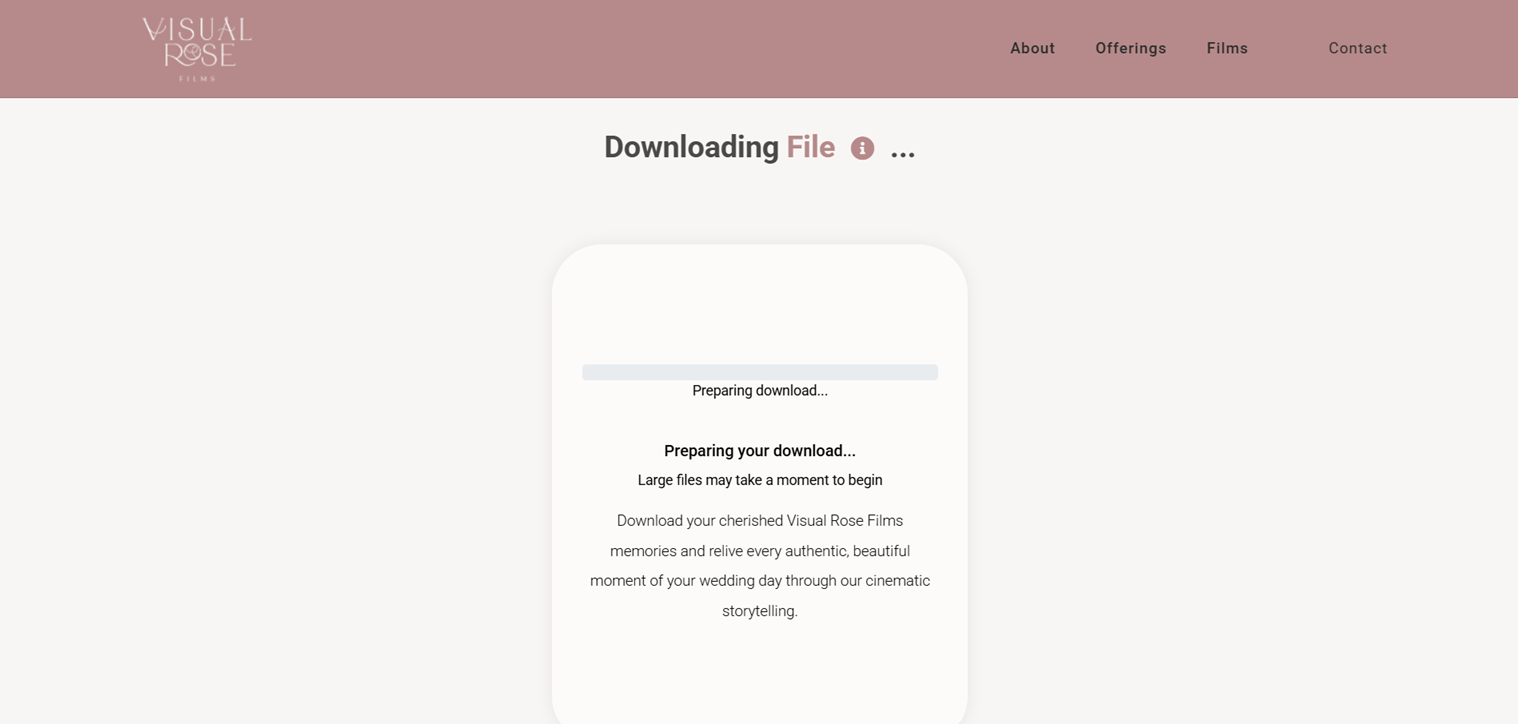
Enter your brand …
Posted on 週五 26 六月 2026 in Blog
The past few days have been packed: your son's graduation ceremony, a big family lunch at a restaurant, and a day at the zoo. Your camera never stopped, and now your photo library has hundreds of new shots — graduation, restaurant, and zoo all jumbled together.
Then a friend messages you …
Posted on 週三 03 六月 2026 in Blog
The branding feature allows you to fully customize the appearance and content of your file download page.
When you upload files and share download links, users will no longer …
Posted on 週日 31 五月 2026 in Blog
Plug the MCP server built into the FastFileLink Android app straight into Claude or ChatGPT, and the AI can browse your photo library, curate selections, and produce share links — all without leaving the chat window.
Posted on 週三 13 五月 2026 in Blog
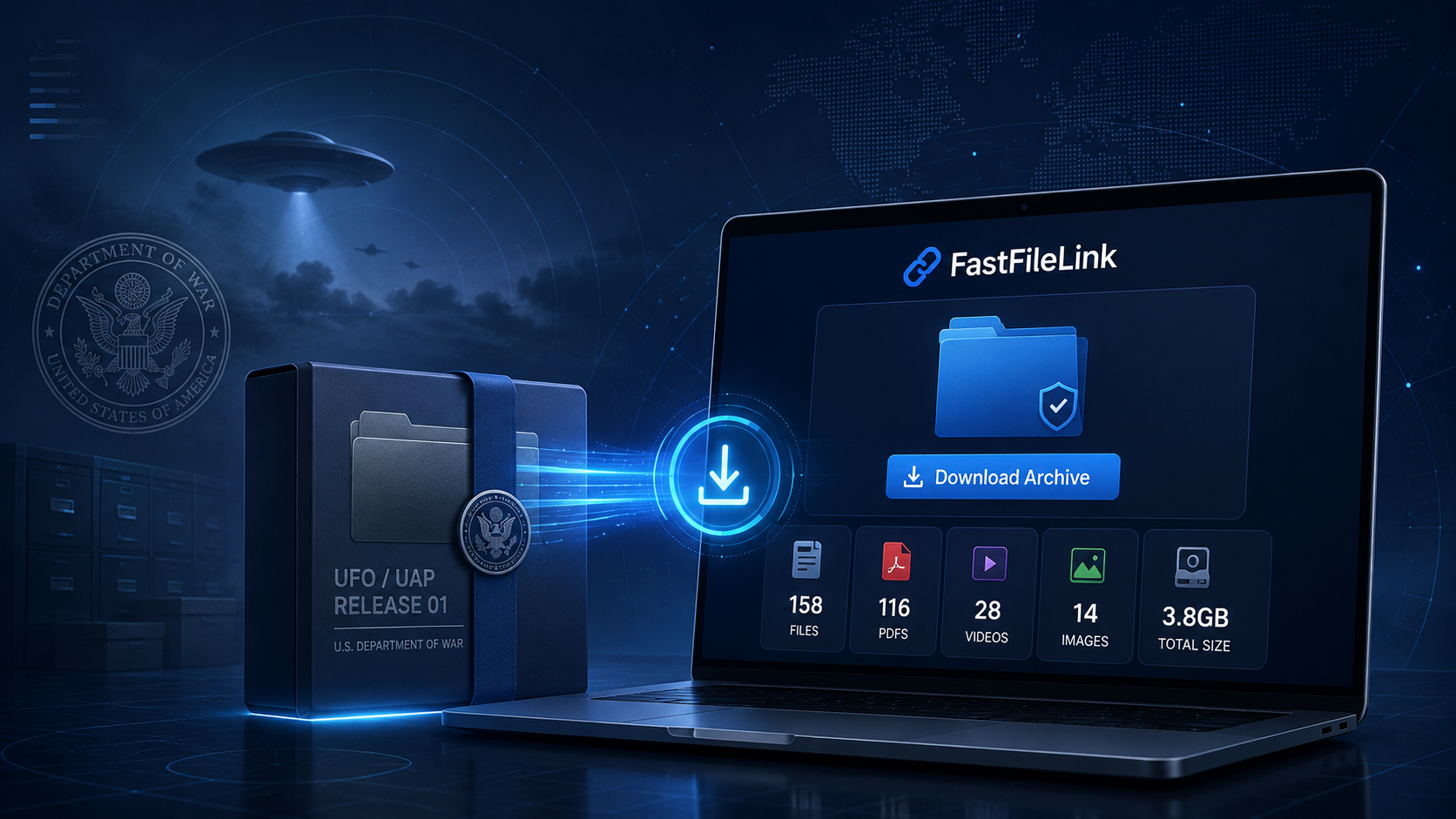
Recently, war.gov launched a public UFO/UAP records page.
According to the official description, the release was part of the Trump administration's push for more transparency around UAP-related information. The U.S. Department of War (DOW), together with other agencies, published a batch of unresolved UAP-related records and historical …
Posted on 週四 07 五月 2026 in Blog
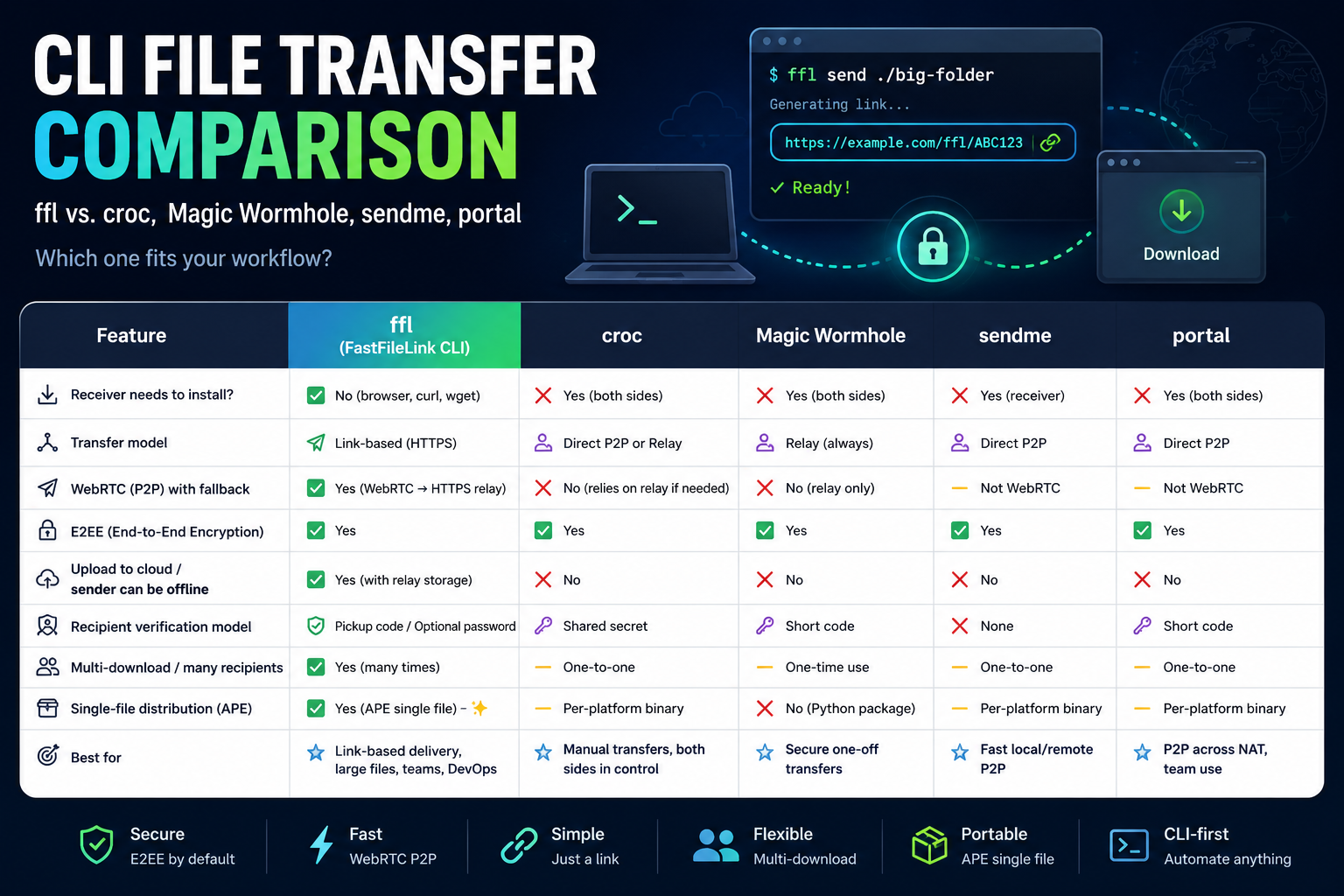
If you often move files from the terminal, you have probably heard of tools like croc, Magic Wormhole, portal, or sendme. They all solve the same basic problem: getting a file from one machine to another.
Most file transfer tools fall into two broad categories:
P2P transfer tools
These try …
Posted on 週五 24 四月 2026 in Blog • Tagged with server migration, backup transfer, Borg, WebRTC, DevOps, FastFileLink
Migrating a production app sounds like a simple copy job until the old server is nearly full.
That is usually when migration becomes urgent. The machine is old, disk space is tight, the new server is only half-prepared, DNS cannot move yet, and the data set is large. If the …
Posted on 週日 12 四月 2026 in Blog
When you open FastFileLink, you will see two options: P2P direct transfer and cloud relay.
A lot of first-time users get stuck right there: "What's the difference, and which one should I pick?"
This article answers that in about three minutes.
P2P direct transfer: the file goes …