Benefits of using server upload
Posted on 週日 18 一月 2026 in Blog
Why Choose FastFileLink’s Server Upload Mode?
FastFileLink offers two file transfer modes: P2P and Server Upload. P2P focuses on real-time, peer-to-peer transfers, while Server Upload is built for flexibility, persistence, and advanced control.
This article highlights the key advantages of Server Upload, with a Quick Navigation section to help you jump directly to the topics you care about.
If you're interested, you can now apply for a free account to try out the Server Upload feature.
Quick Navigation
- 1. Browser-based upload without installation
- 2. File request links for easy receiving
- 3. No need for both parties to be online at the same time
- 4. Asynchronous downloads for flexible collaboration
- 5. Limit downloads to control resource usage
- 6. Graceful handling when links expire or reach download limits
- 7. Update shared content without changing the link
- 8. Alias links for stable and reusable URLs
- 9. Custom Domain: Own a More Professional Download URL
- 10. Custom branding for a professional download experience
- 11. Built for professional and long-term sharing
1. Browser-based upload without installation
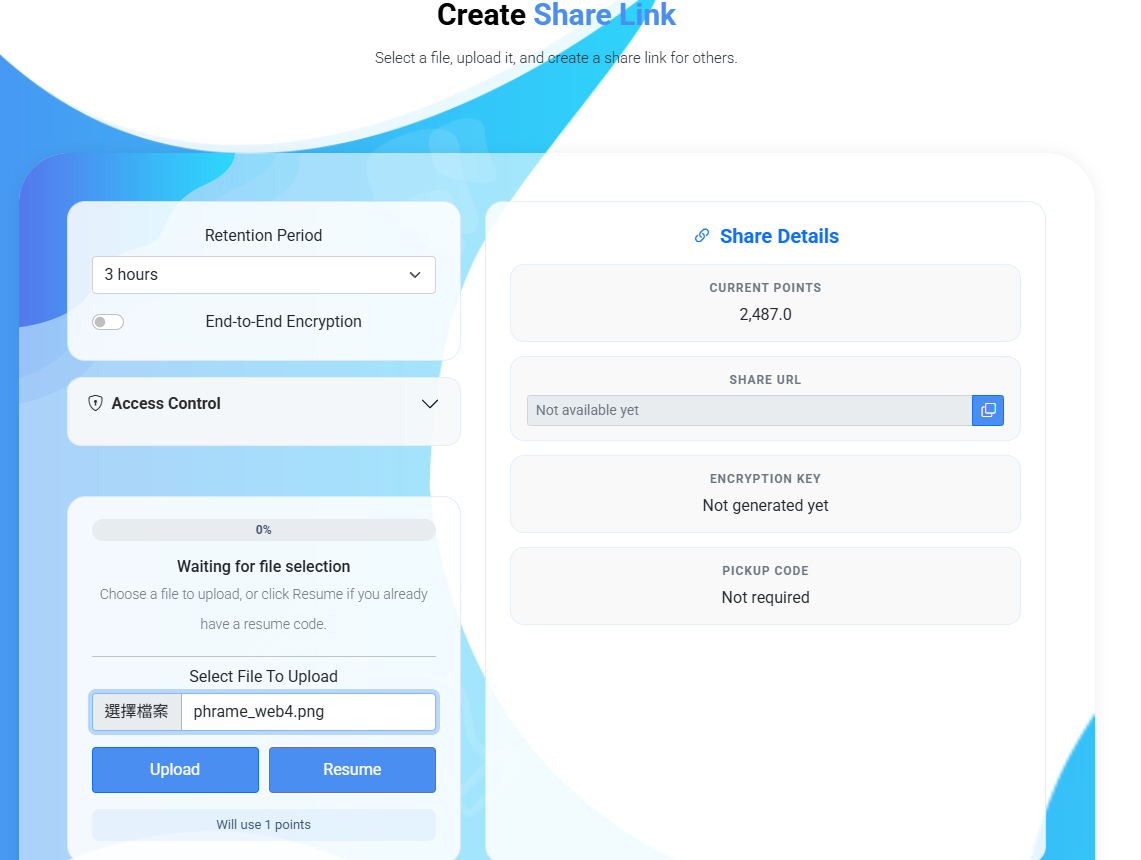
FastFileLink allows users to create and upload files directly through the web interface, without requiring any additional software installation.
This means users can start sharing files immediately from any device with a browser, making it especially convenient for:
- Quick file sharing on unfamiliar or shared computers
- Users who do not have permission to install software
- On-the-go access from mobile or tablet devices
2. File request links for easy receiving
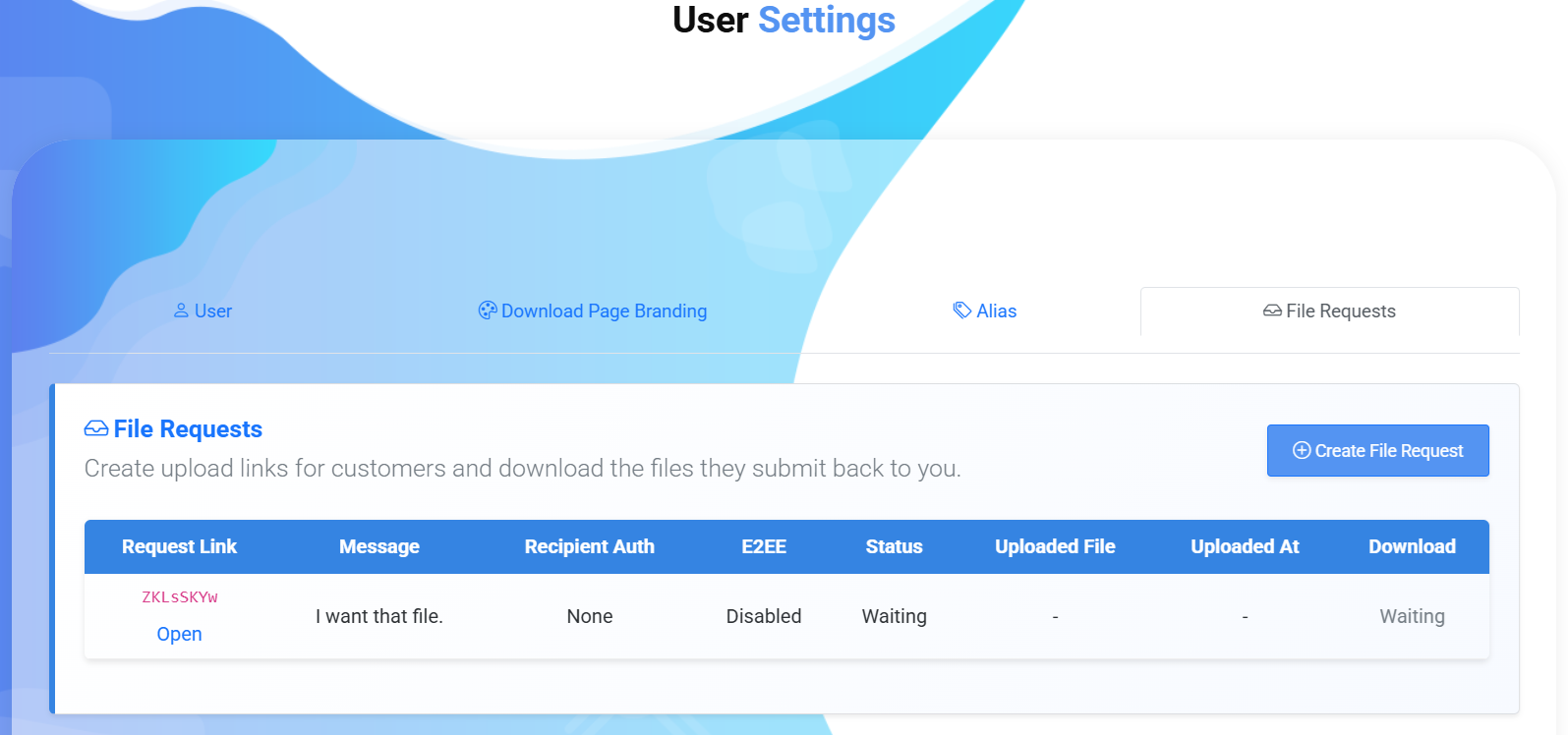
Server Upload mode also supports file request links, allowing you to invite others to upload files directly to your storage space.
Instead of sending files yourself, you simply generate a request link and share it with others. Recipients can upload files directly through the browser, even if they do not have FastFileLink installed.
This is useful for collecting documents from clients or team members, receiving assignments or submissions and gathering files from multiple contributors in one place.
3. No need for both parties to be online at the same time
In P2P mode, file transfers require both the sender and the recipient to be online simultaneously. If either side goes offline, shuts down their device, or loses connection, the transfer cannot be completed.
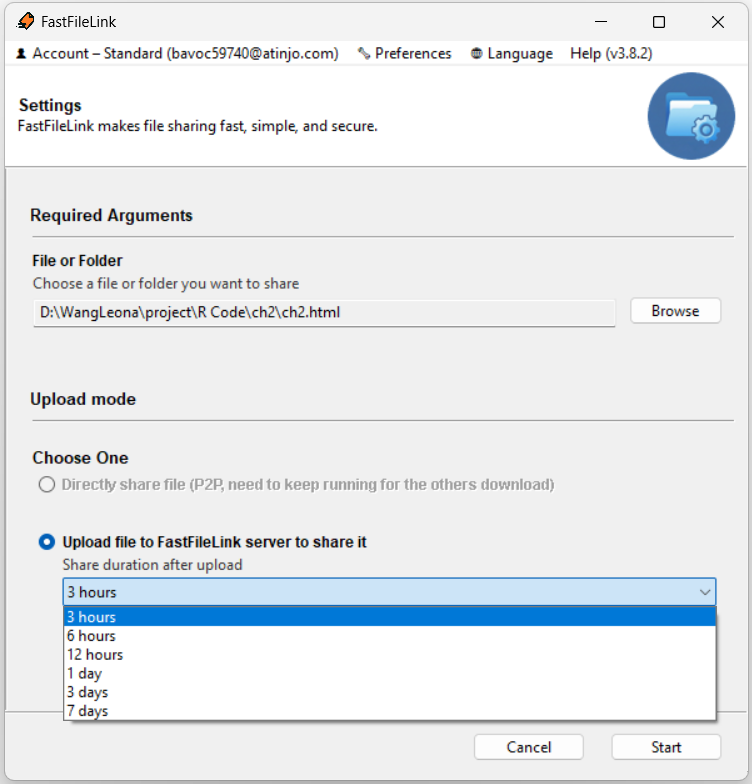
With Server Upload mode, files are first uploaded to FastFileLink’s cloud servers. After the upload is complete, recipients can download the files at any time within the specified retention period, without needing the sender to stay online.
4. Asynchronous downloads for flexible collaboration
Server Upload enables true asynchronous file delivery, making it ideal for:
- Cross-time-zone collaboration
- Team-based workflows
- Sharing files with multiple recipients at different times
Recipients can access the files whenever it’s convenient, without coordination or scheduling constraints.
5. Limit downloads to control resource usage
To avoid unnecessary or excessive downloads, Server Upload allows you to set a maximum download limit for each shared file.
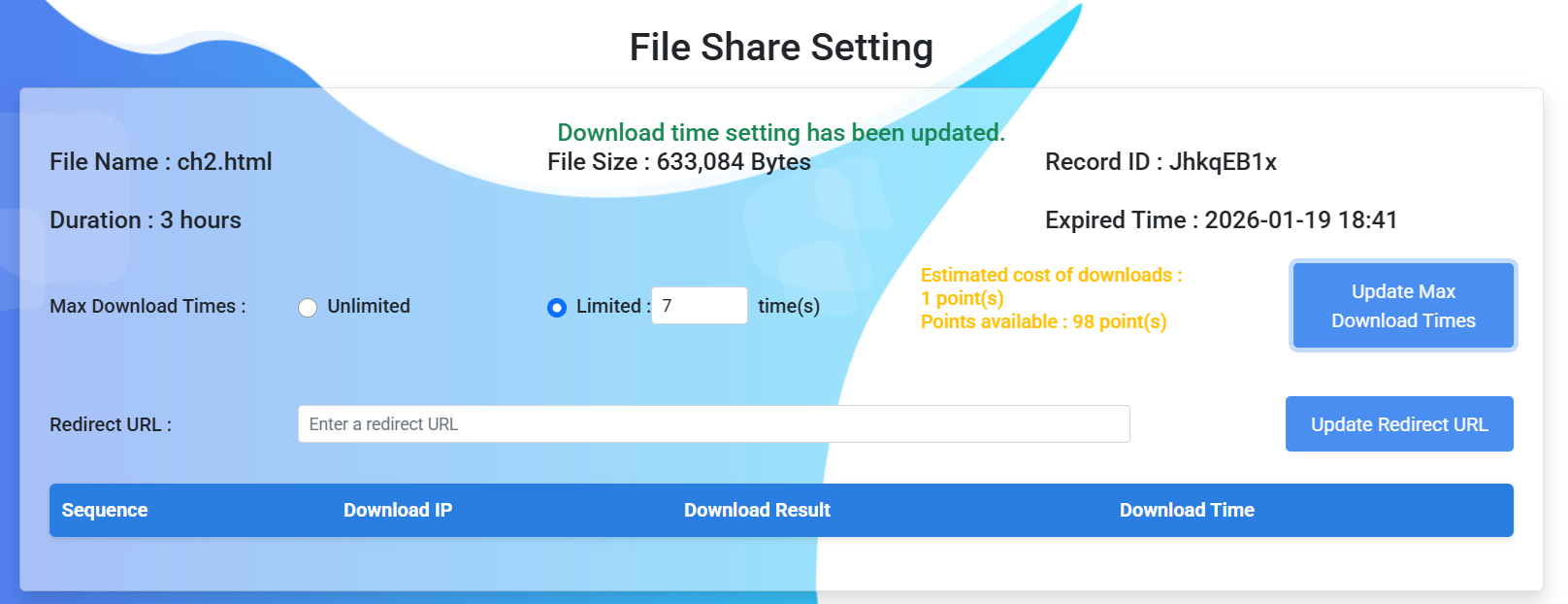
Once the download count reaches the defined limit, the system automatically disables further downloads. This helps you keep usage predictable while ensuring resources are spent where they matter most.
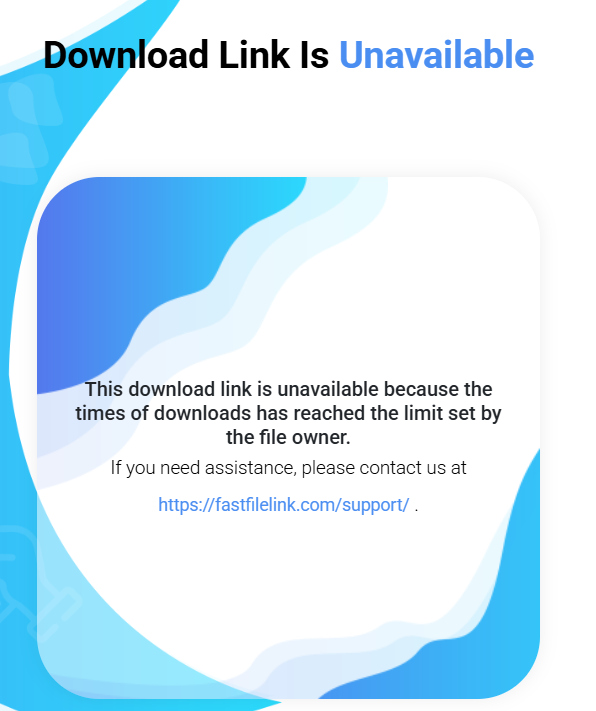
6. Graceful handling when links expire or reach download limits
When a file expires or exceeds its maximum download count, you’re not limited to showing a generic “link expired” message.
With Redirect links, you can:
- Display a custom message to inform downloaders
- Redirect users to another destination, such as:
- Your official website
- A new or updated sharing link
- The latest version of the file
- A support or contact page
This creates a smoother experience and avoids broken or confusing links.
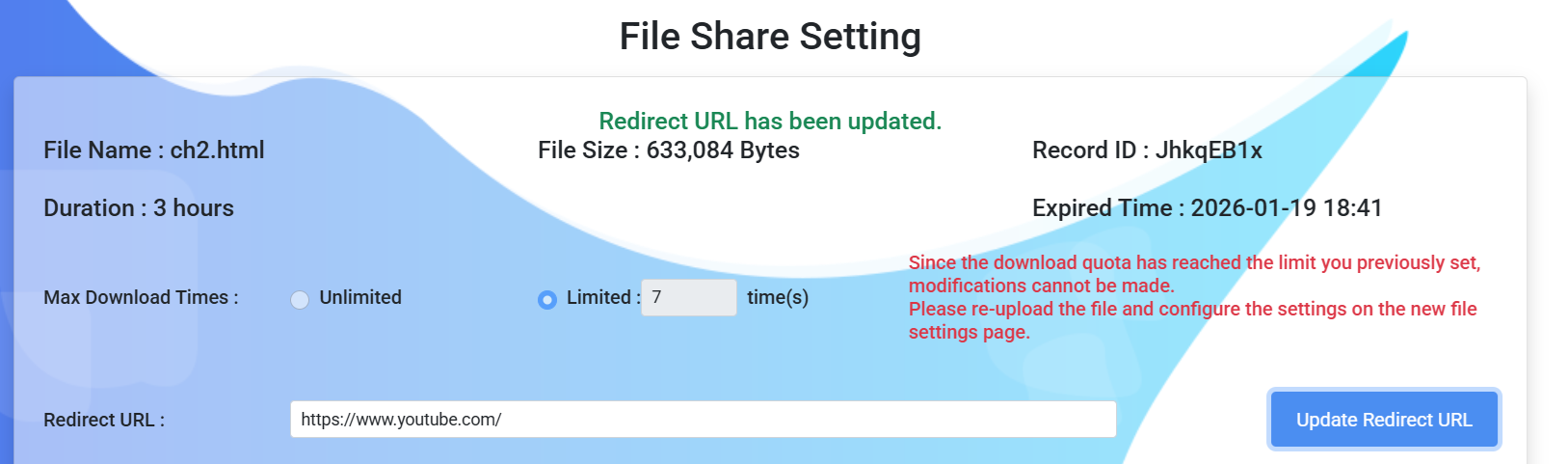
7. Update shared content without changing the link
When shared content needs to be updated, Server Upload lets you keep the original link unchanged.
By configuring a Redirect link, you can point users to a new file or a new sharing page, without having to resend links or worry about outdated URLs still being circulated. This is especially useful for public links, documentation, or large distribution lists.
8. Alias links for stable and reusable URLs
Instead of relying on randomly generated URLs, Server Upload supports Alias links, allowing you to create fixed and reusable download URLs. This means you can keep using the same link while updating or replacing the underlying shared file whenever needed.
Alias links are especially useful for frequently updated files, public download pages, documentation or software distribution and long-term sharing scenarios where stable URLs are important. With Alias links, users always access the latest shared content through a consistent and memorable URL.
9. Custom Domain: Own a More Professional Download URL
You can configure a dedicated domain so that shared download links no longer display the system’s default domain, but instead present a more professional, branded link style.
With this feature, you can bind file download URLs to your own domain name, enhancing brand consistency and making external sharing more trustworthy and recognizable. Whether for internal corporate documents, client deliverables, or public resource sharing, you can maintain a unified brand image.
This feature supports flexible configuration, making file sharing more professional and more free.
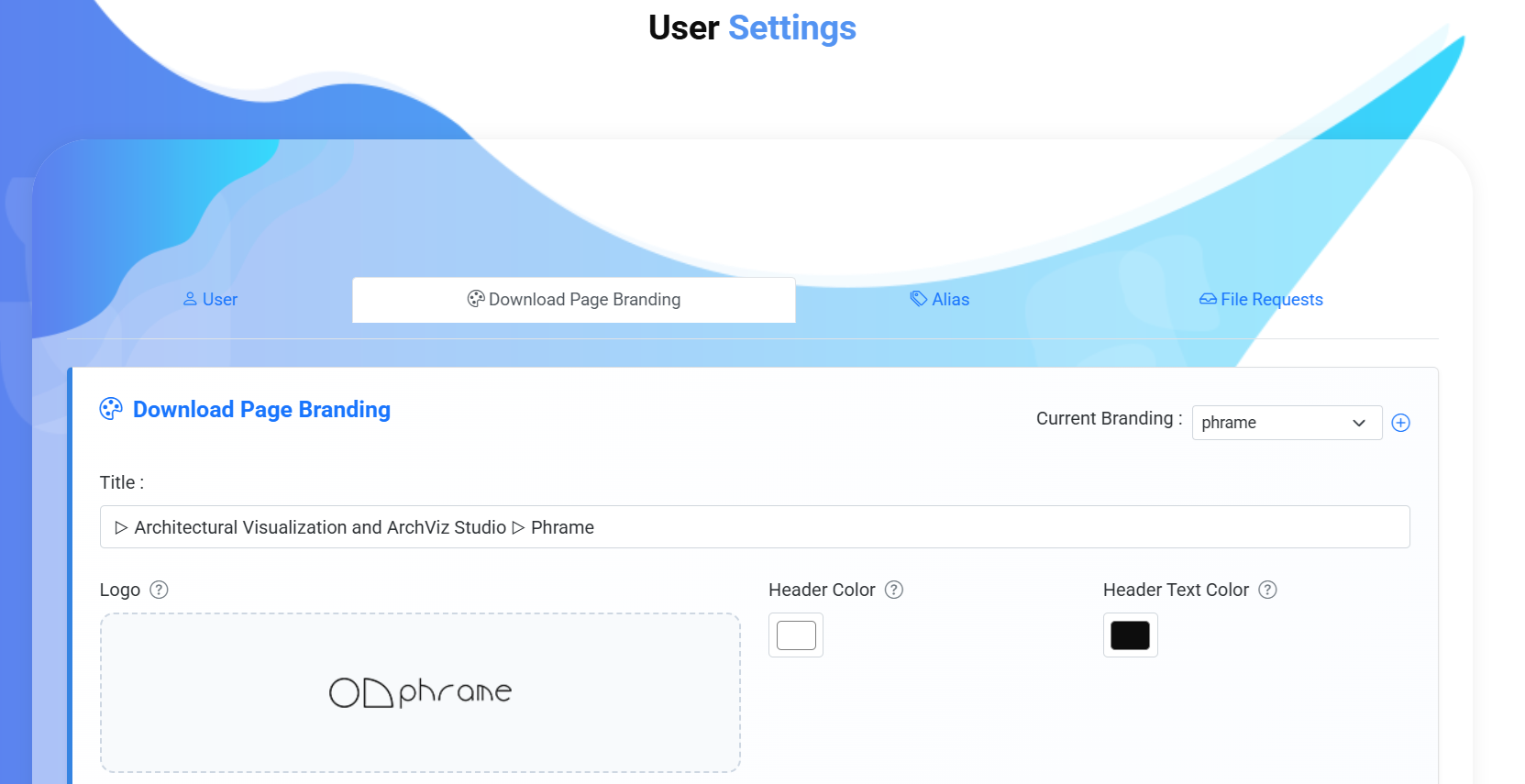
10. Custom branding for a professional download experience
Server Upload also includes a Branding feature that allows you to customize the appearance of your download pages. Instead of showing a generic file-sharing page, you can create a branded experience that matches your own identity, including brand logos, custom page styles, personalized colors and themes and professional download landing pages. This helps improve trust and credibility for recipients, especially when sharing files with clients, customers, or external partners.
Brand Setting
Customized Brand
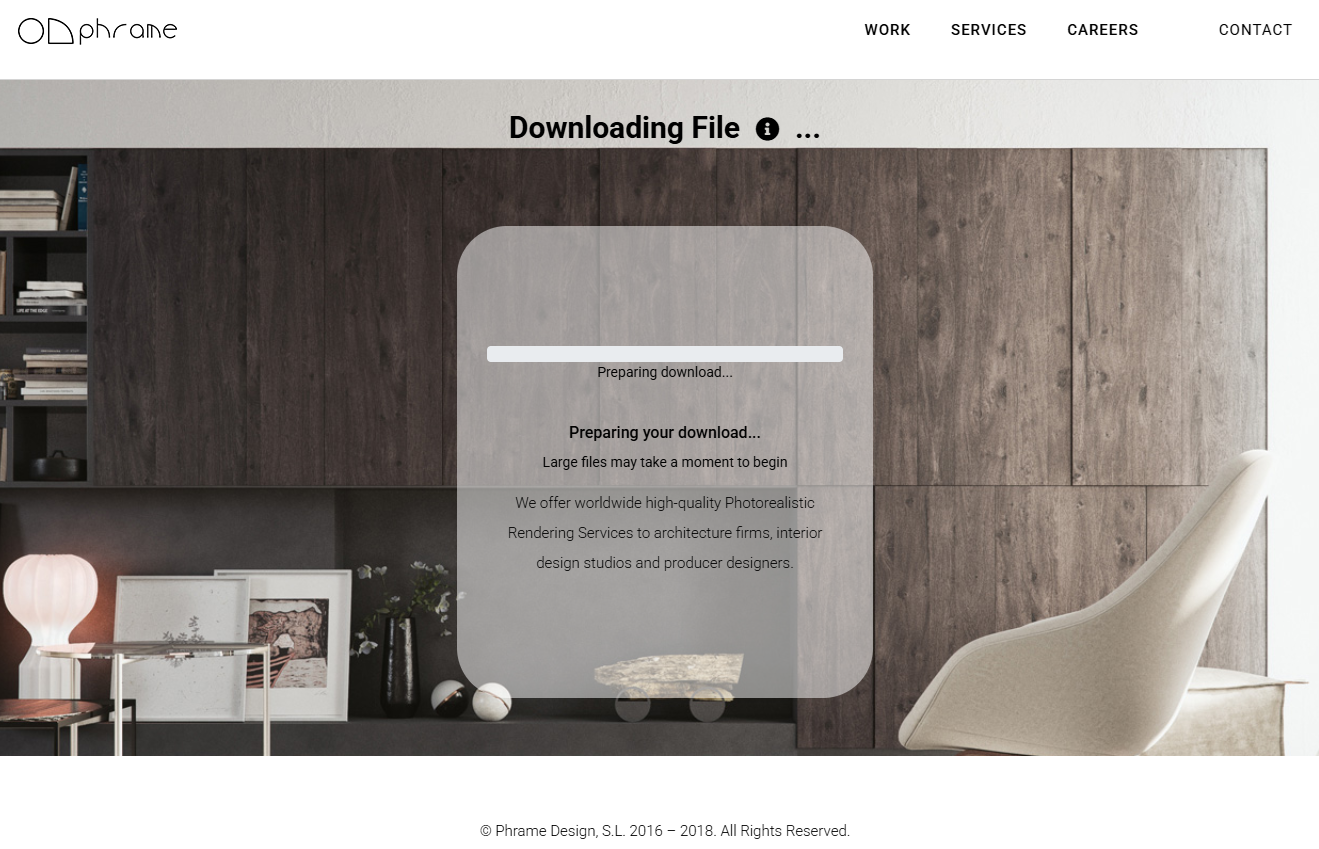
For detailed setup instructions, please refer to the Complete Branding Feature Tutorial: Build Your Own Branded article.
11. Built for professional and long-term sharing
Server Upload is designed for real-world, professional use cases that require:
- Stable, persistent file availability
- Fine-grained control over access and usage
- A polished and reliable sharing experience
These capabilities make Server Upload a strong choice for long-term file sharing, client delivery, and team collaboration.
Conclusion
Compared to P2P, Server Upload provides greater flexibility, stronger control, and a more professional sharing workflow.
From asynchronous downloads and download limits to redirect-based link management and content updates, Server Upload ensures your file sharing remains reliable, scalable, and future-proof.
Choose FastFileLink’s Server Upload mode to experience a more flexible and powerful way to share files.